
Meridian Radio documentation
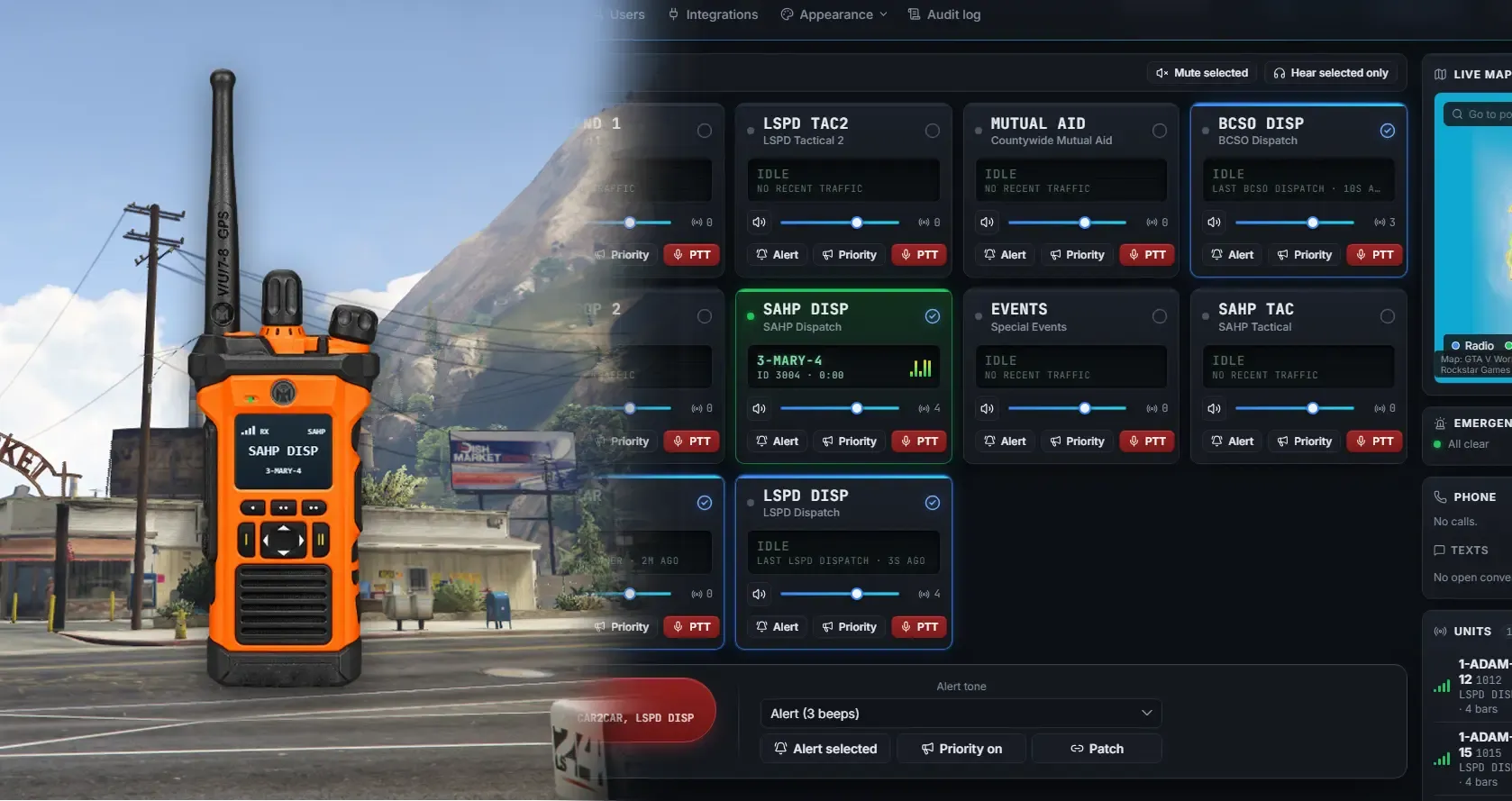
Meridian Radio is a hosted, P25-style trunked radio system for FiveM. Your community gets three pieces:
- The radio system, which we host at
https://<your-community>.radio.meridiancomms.net. It grants calls, carries the audio, and keeps your settings, accounts and recordings. - The web app at the same address, where your staff manage channels, agencies, towers and users, and where dispatchers use the console.
- The FiveM resource (
meridian), which you install on your game server. It gives players the radio and connects your game server to the radio system.
Where to start
Section titled “Where to start”- Setting up a new community? Follow Set up your community, then keep the server.cfg reference handy.
- Explaining the radio to players? Share Using the radio.
- Training dispatchers? Start with the Dispatch console.
- Building a HUD, CAD or bot? See Integrations.
For server staff
Section titled “For server staff”| To… | Read |
|---|---|
| Find your way around the web app’s System page | The System page |
| Create channels and decide who gets them | Agencies and channels |
| Add staff and choose what they can do | Accounts and roles |
| Give agencies from jobs, or make the radio an item | Frameworks and inventories |
| Give agencies from Discord roles | Discord roles |
| Make signal matter with radio towers | Towers and coverage |
| Control who hears radios nearby, earpieces and background noise | Voice, speakers and background noise |
| Make handhelds need charging | Radio batteries |
| Put tone-out speakers in fire stations | World speakers |
| Let players call 911 from their phone | Phone calls and texts |
| Record and replay calls | Call recording |
| Change how the radio and console look and sound | Appearance and the Workshop |
| Replace a leaked server secret | System key |
Getting help
Section titled “Getting help”Ask in our Discord, or email us. If something seems down, check the service status page first (linked at the top of
every page). When reporting a problem, say what you were doing, roughly when, and include what /radiodiag shows in
game or what the server console printed.